How to Add Staff and Admins to Your Store
Share the work without sharing your password: each teammate signs in with their own account.
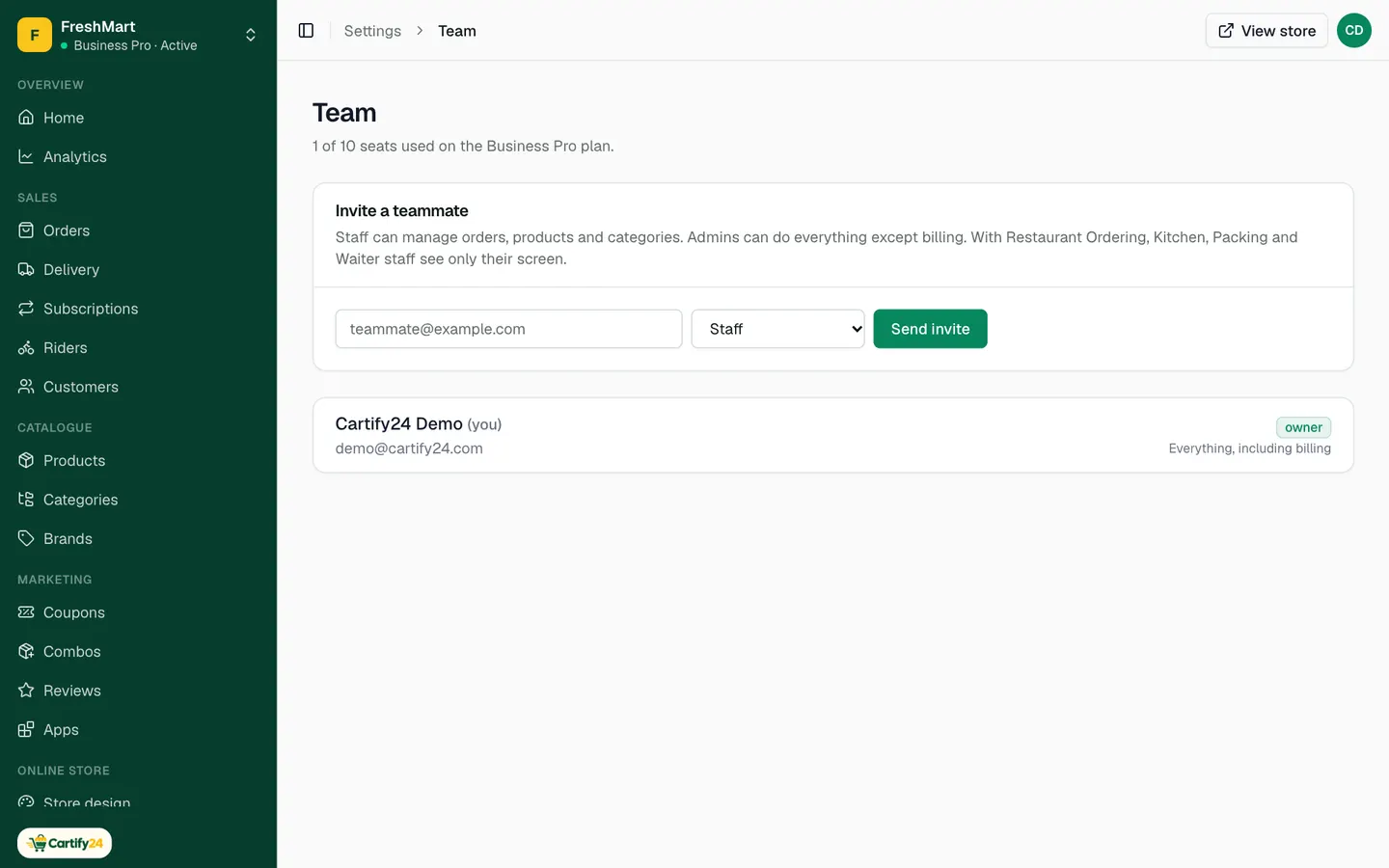
1Invite a teammate
- 1Open Team and enter their email.
- 2Choose a role: Staff (orders, products, categories) or Admin (everything except plan and billing).
- 3Click Send invite; they sign in with their own account.
2Remove access
Remove a teammate from Team at any time. The number of seats depends on your plan.
Questions
- What’s the difference between admin and staff?
- Admins can do everything except plan and billing; staff manage orders, products and categories.
Learn more
Ready to try it on your own store?
Start free trial