Your Store Admin: Sign In and Find Your Way
Your store admin (the dashboard) is where you run the store: orders, products, delivery, apps and settings. It works on your computer and your phone.
1Sign in
- 1Open your store address followed by /admin, e.g. yourshop.cartify24.com/admin, or yourshop.in/admin once your own domain is connected.
- 2Sign in with the Google account, email or mobile number you signed up with.
- 3Your team signs in at the same address with their own accounts. Only people on the store’s team get in.
2The dashboard home
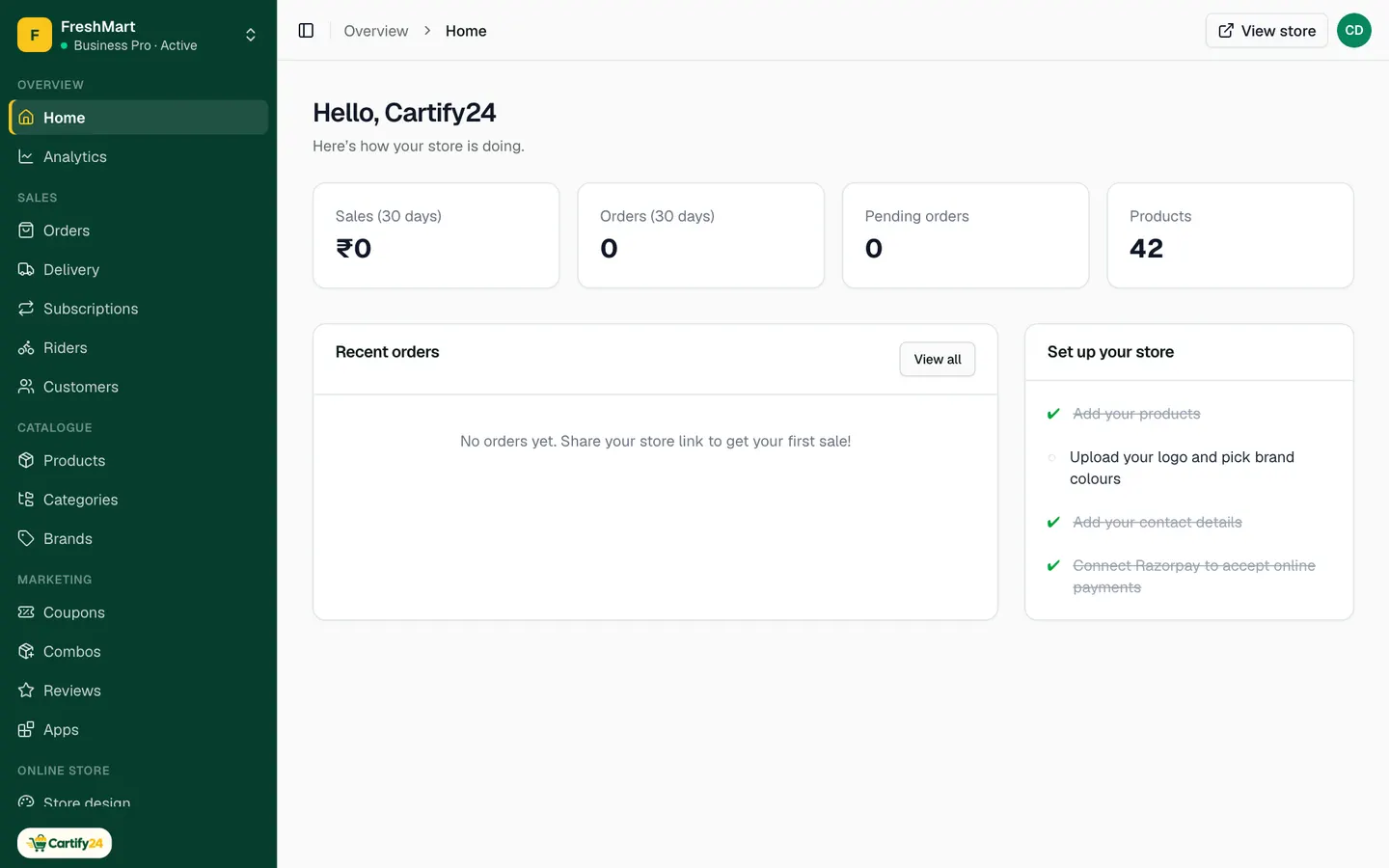
The home page shows sales and orders for the last 30 days, pending orders, your number of products and your latest orders. Until your store is set up, it also shows the setup checklist.
4More than one store
If you run several stores, the store name at the top of the menu opens a list of your stores. Each store’s own /admin address opens just that store.
Questions
- I forgot my password. What do I do?
- On the sign-in page, click Forgot password and follow the link or code sent to you.
- Can I use the dashboard on my phone?
- Yes. The whole dashboard works on a phone: take orders, change their status and update stock on the go.
Learn more
Ready to try it on your own store?
Start free trial