How to Set Up Restaurant Ordering and Table QR
Restaurant Ordering handles delivery, takeaway and dine-in orders, from the menu to the kitchen.
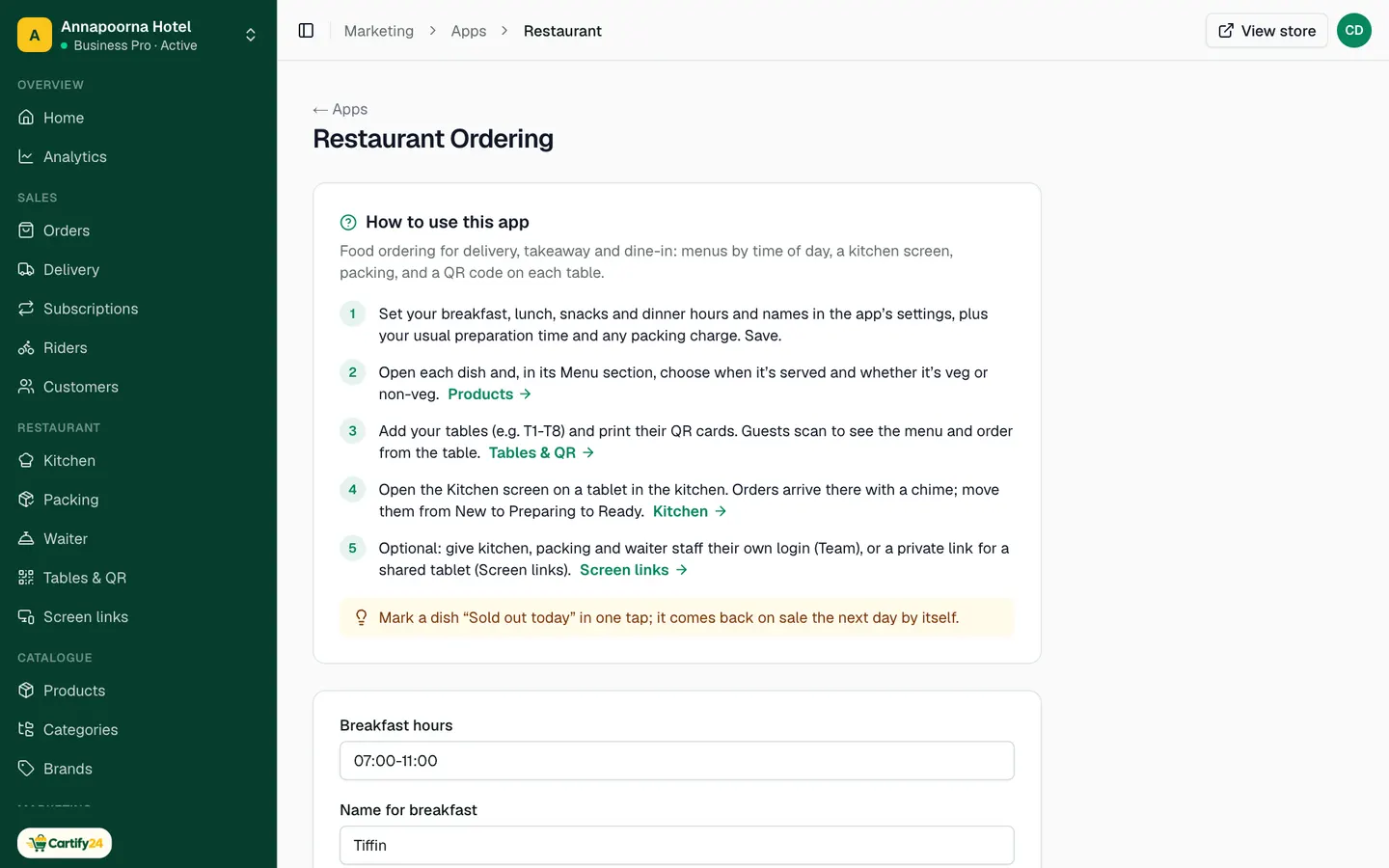
1Menus by time of day
- 1Switch on Restaurant Ordering in Apps and set your breakfast, lunch, snacks and dinner hours and names.
- 2Open each dish and, in its Menu section, choose when it’s served and whether it’s veg or non-veg.
2Tables and QR codes
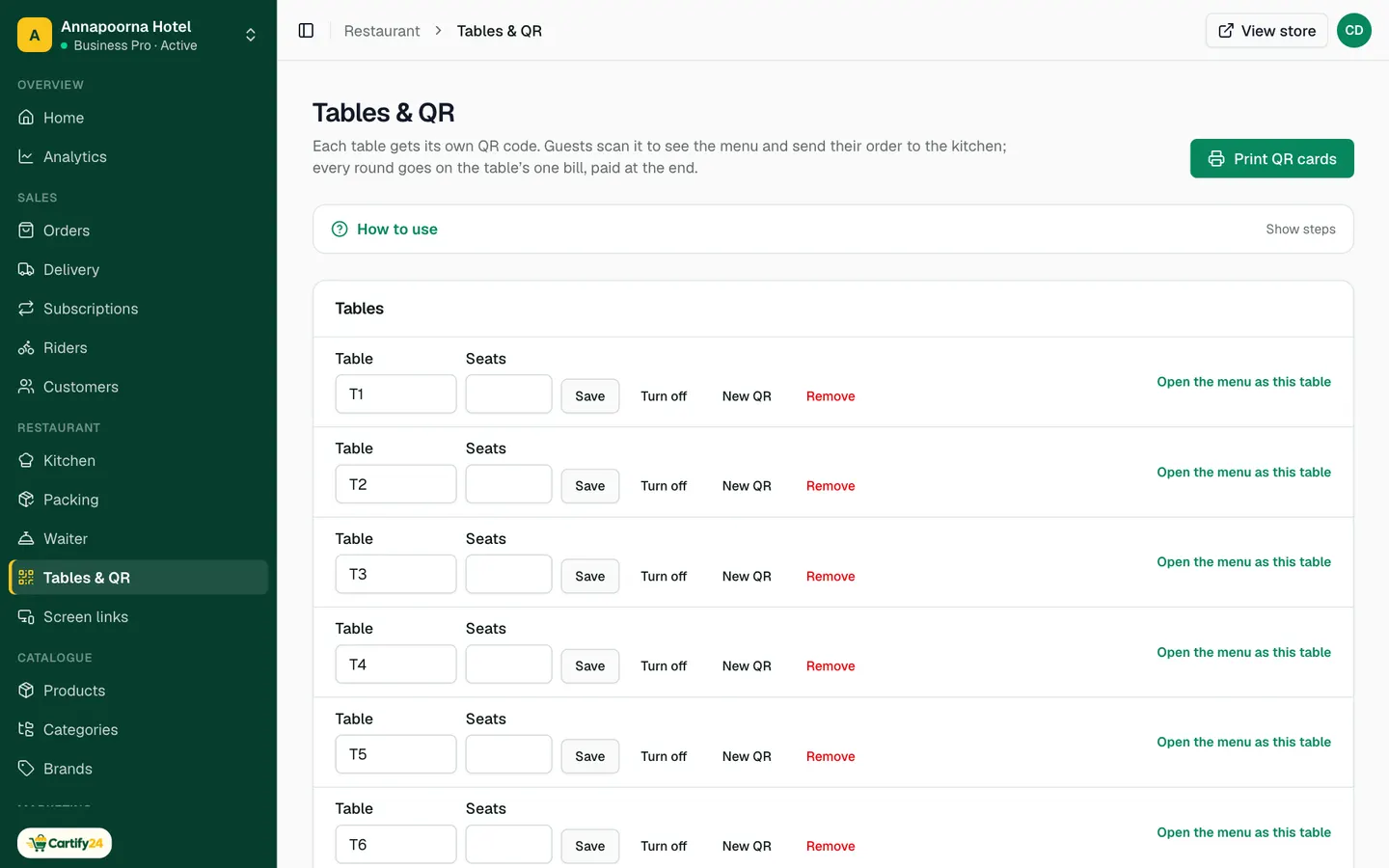
- 1Open Tables & QR and add your tables (e.g. T1-T8 adds eight).
- 2Click Print QR cards and put one on each table.
- 3Guests scan, order from the menu, and every round goes on the table’s one bill.
3Kitchen, packing and waiter screens
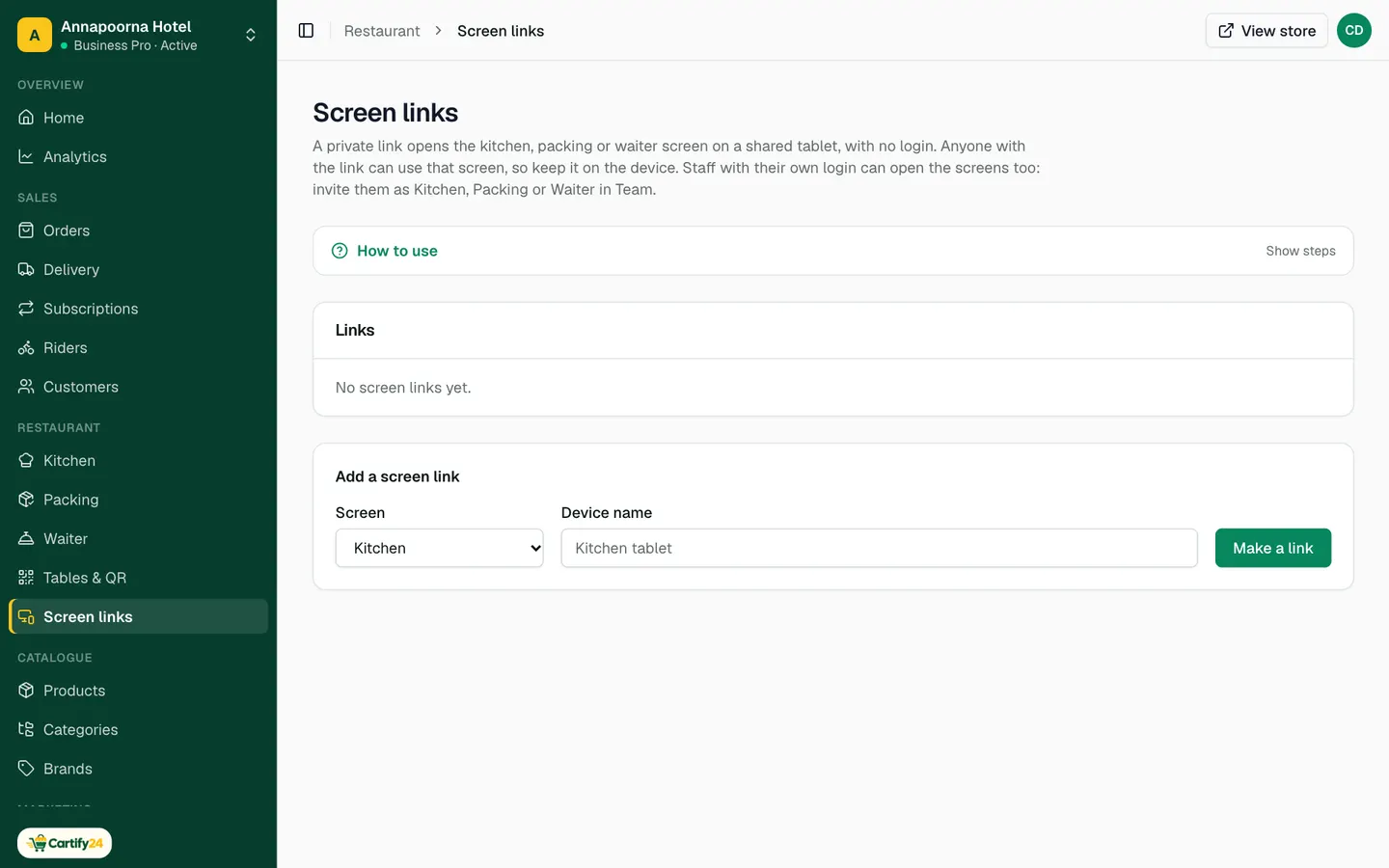
- 1Open Kitchen on a tablet in the kitchen: orders arrive with a chime and move from New to Preparing to Ready.
- 2Give staff their own login in Team (Kitchen, Packing or Waiter), or make a private link for a shared tablet in Screen links.
Questions
- Can kitchen staff see my sales?
- No. Kitchen, packing and waiter logins open only their screen.
Learn more
Ready to try it on your own store?
Start free trial