How to Choose or Change Your Cartify24 Plan
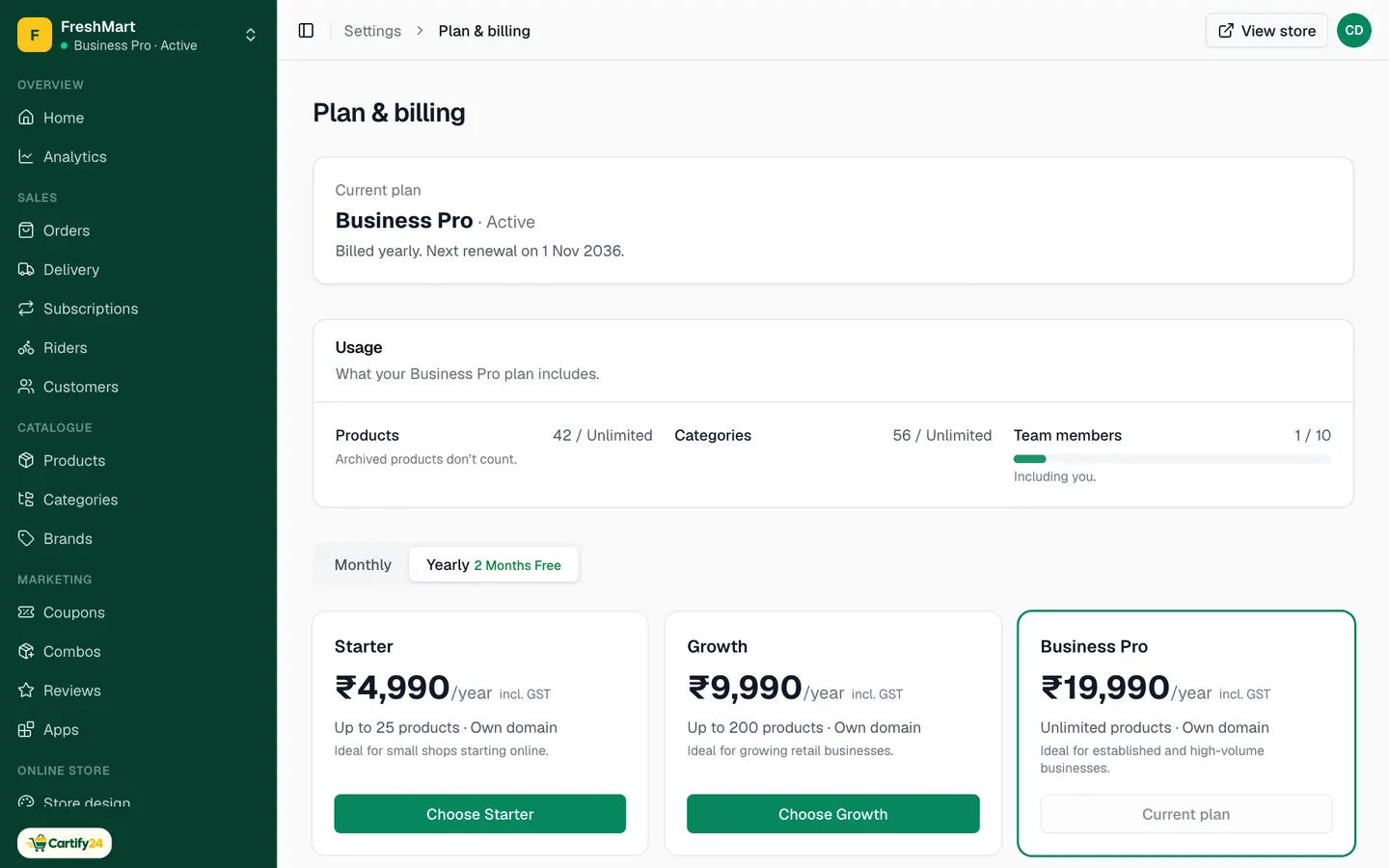
Plan & billing shows your plan, when it renews, and how much of it you’re using.
1Your plan and usage
See your current plan and renewal date, and what you’ve used: products, categories and team members.
2Change your plan
- 1Choose Monthly or Yearly (yearly has 2 months free), then a plan.
- 2Before you pay, you see today’s price with GST, the unused days carried over from your current plan, and when it renews.
- 3Pay with Razorpay. The new plan starts straight away.
Questions
- Do I lose the days I’ve paid for when I switch?
- No. Their value is added to the new plan as extra days.
Ready to try it on your own store?
Start free trial