How to Create Combo Offers and Free Gifts
Three apps help customers buy more: Combo Offers, Free Gift and Quantity Prices.
1Combo offers
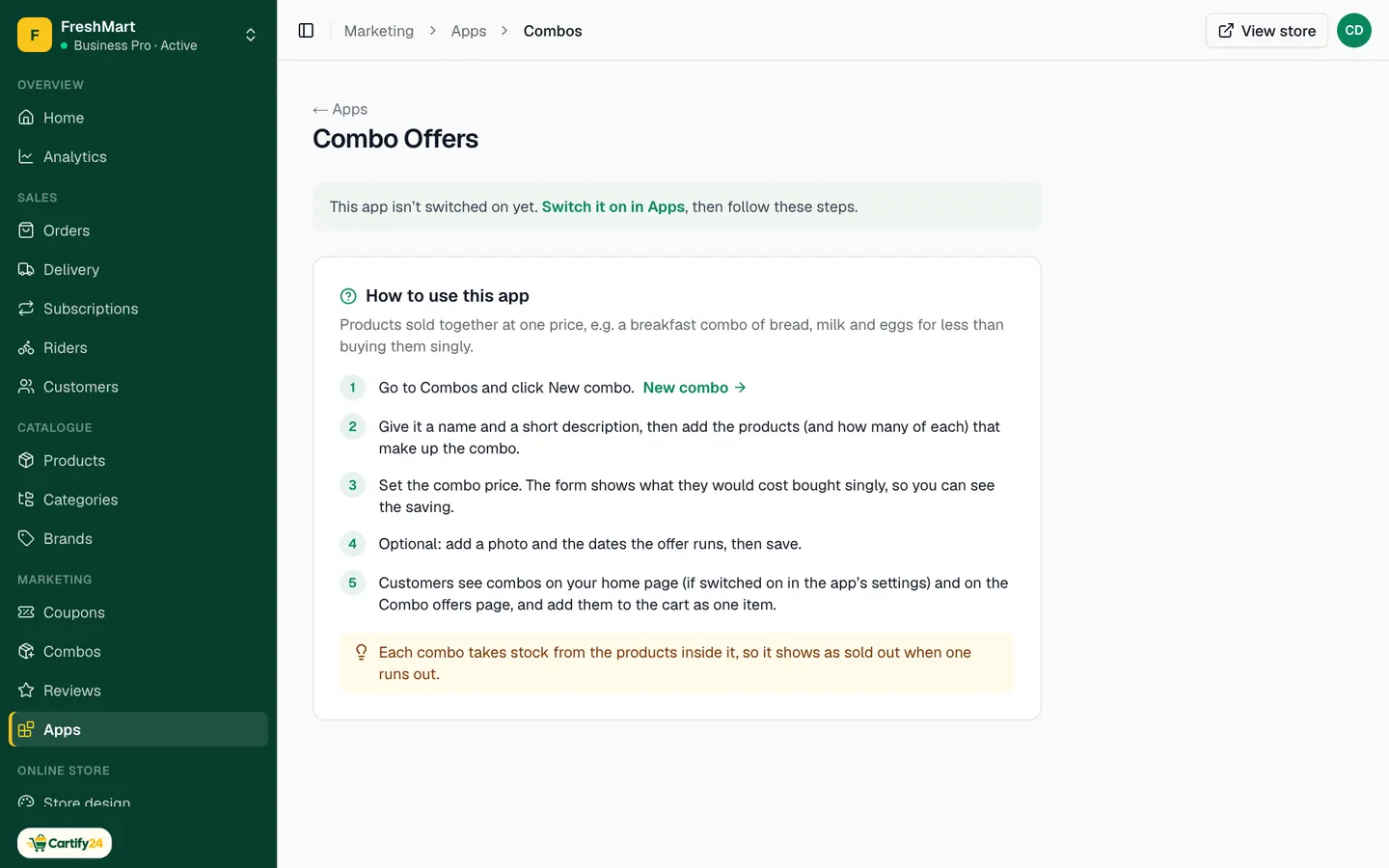
- 1Switch on Combo Offers in Apps, then open Combos and click New combo.
- 2Name it and add the products, and how many of each, that make up the combo.
- 3Set the combo price; the form shows what they’d cost bought singly.
- 4Optional: a photo and the dates the offer runs. Save.
2Free gifts
With Free Gift, add an offer in the app’s settings: the order value, the product to give and how many. Customers see how much more they need to add.
3Quantity prices
With Quantity Prices, open a product and add, under Quantity prices, a lower price each from a quantity, e.g. 5 or more at ₹46 each.
Questions
- Does a combo take stock?
- Yes, from each product inside it, so it shows as sold out when one runs out.
Learn more
Ready to try it on your own store?
Start free trial