How to Run Daily Milk and Grocery Subscriptions
With Daily Subscriptions, customers subscribe once and you deliver every day or on the days they choose.
1Set up the app
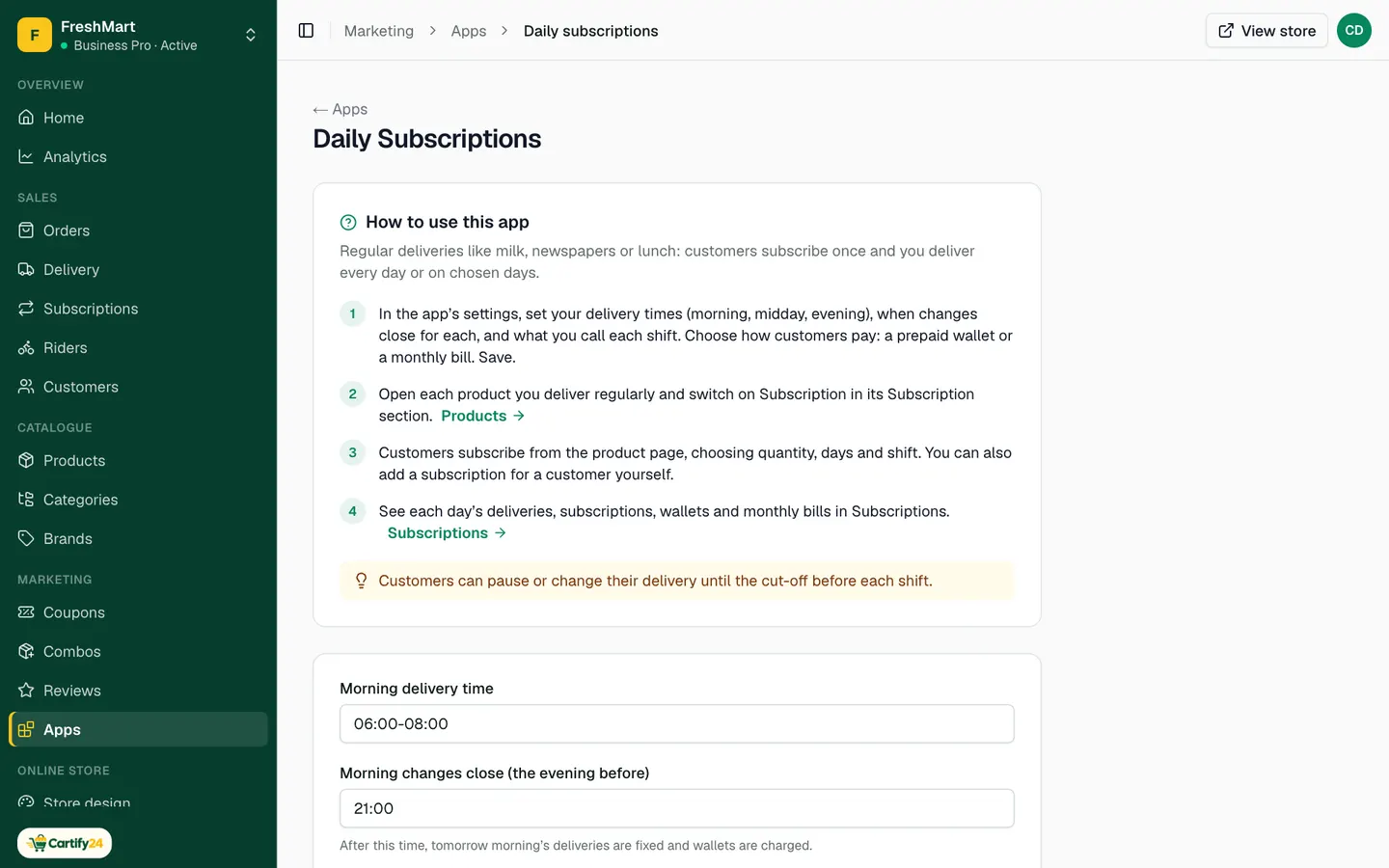
Switch on Daily Subscriptions in Apps, then set your delivery times (morning, midday, evening), when changes close for each, what you call each shift, and how customers pay: a prepaid wallet or a monthly bill.
2Choose what can be subscribed to
- 1Open a product you deliver regularly.
- 2In its Subscription section, tick the shifts it can be delivered in, then save.
3Every day
- 1Customers subscribe from the product page and can pause, skip or change a delivery until the cut-off.
- 2Subscriptions → Delivery sheet shows each shift’s deliveries; use Print / Save as PDF for your delivery staff.
- 3The Customers and Bills tabs show wallets and monthly bills.
Questions
- Can I add a subscription for a customer who phones me?
- Yes. Use Add subscription on the Subscriptions page.
Learn more
Ready to try it on your own store?
Start free trial