How to Create Discount Coupon Codes
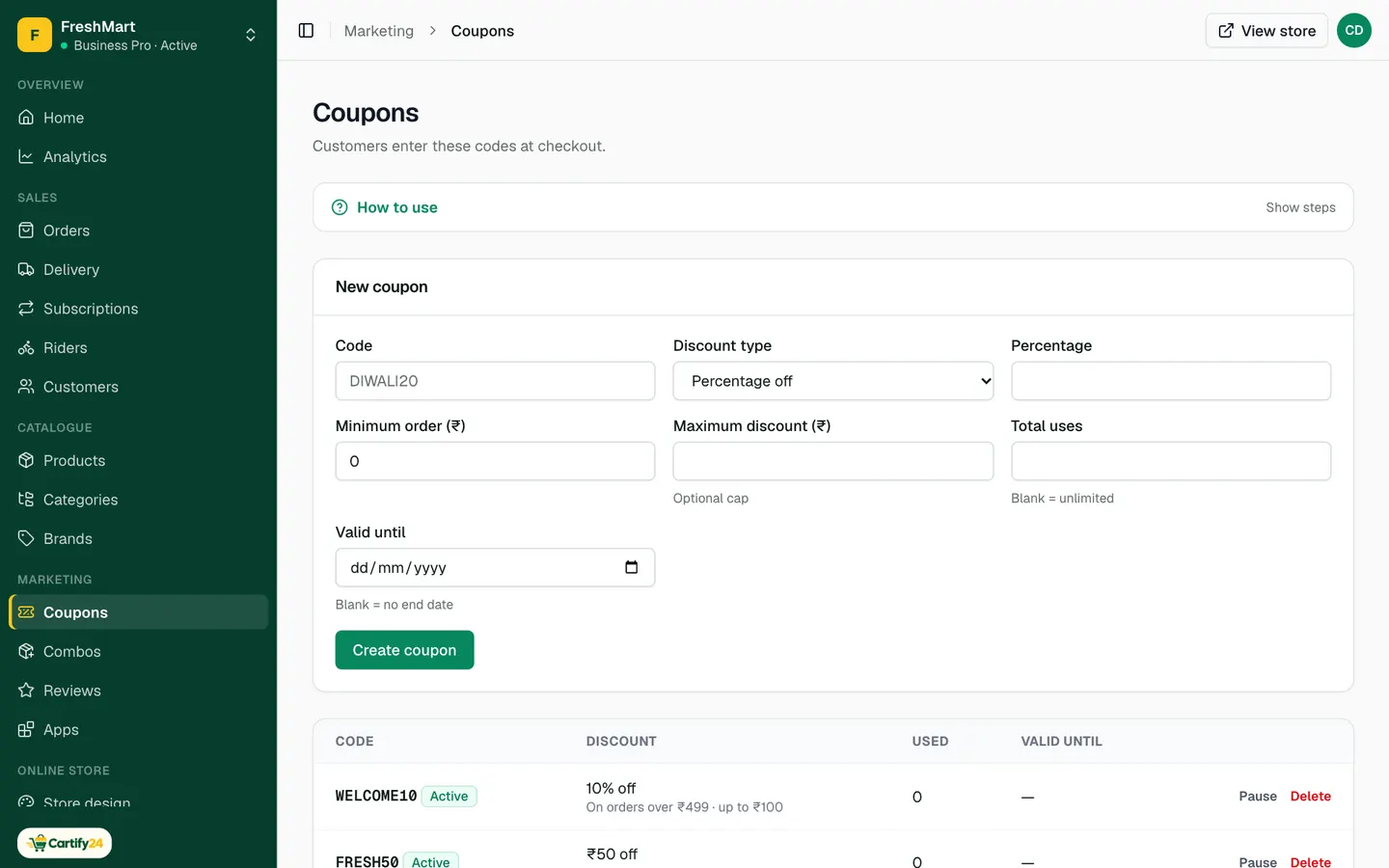
Coupons are codes customers enter at checkout, like WELCOME10 or DIWALI20.
1Create a coupon
- 1Switch on Discount Coupons in Apps, then open Coupons.
- 2Enter the code and choose Percentage off or a fixed amount.
- 3Optional: a minimum order, a maximum discount, how many times it can be used and the last day it works.
- 4Click Create coupon and share the code.
2Pause or delete
Each coupon shows how many times it was used. Pause a coupon to stop it for now, or delete it.
Questions
- Can a coupon be used only once per customer?
- Set Total uses to limit how many times a code can be used in all.
Learn more
Ready to try it on your own store?
Start free trial