Store Settings: Branding, Orders and SEO
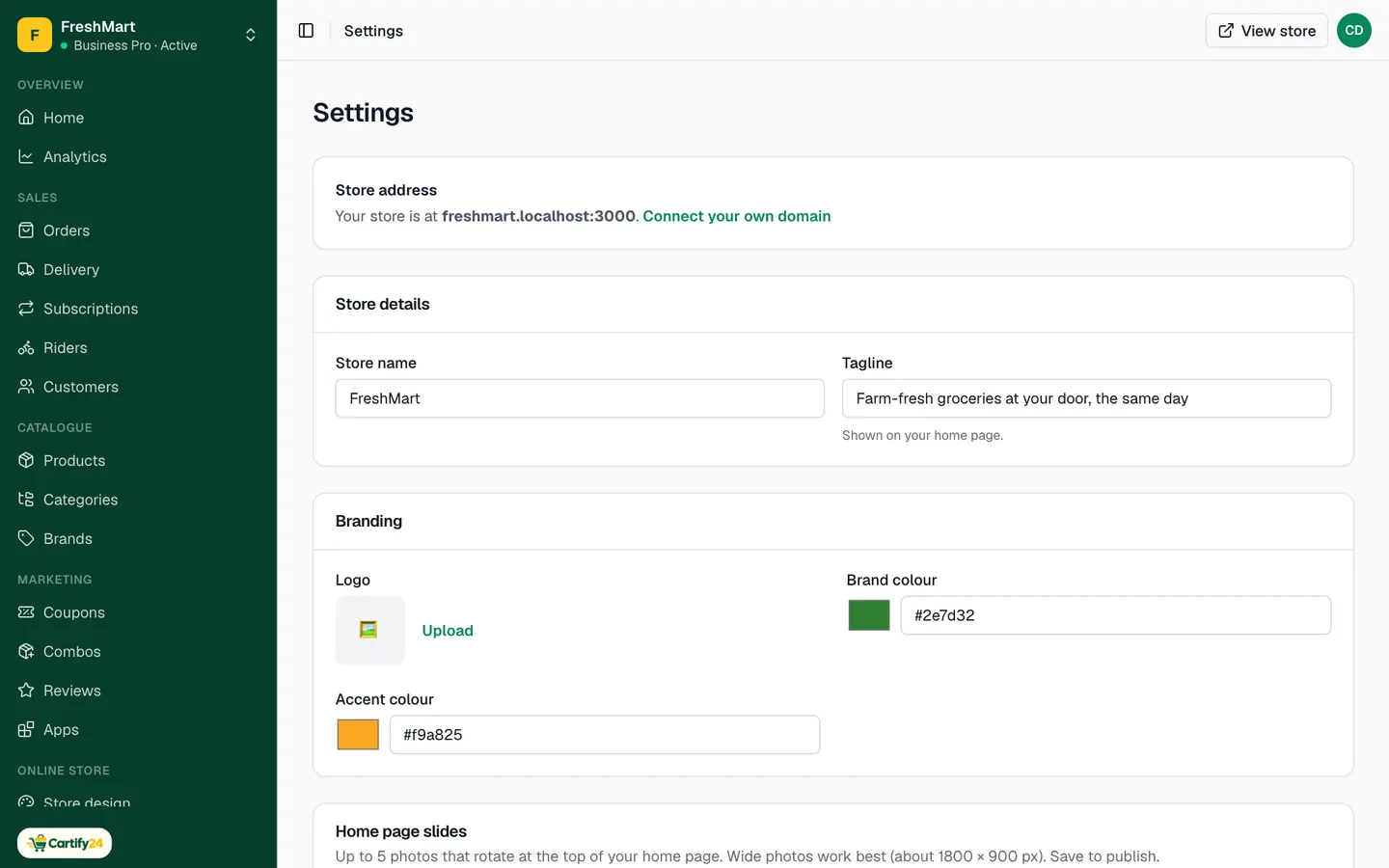
Settings holds everything about your store in one page, in sections.
1What’s in Settings
Store details (name and tagline), Branding (logo, colours, home page slides), Contact (shown in your footer), Taking orders, Announcement bar, Stock, Marketing & tracking, Search engines and GST.
2Order rules
- 1Taking orders: holiday mode pauses orders with a message, a minimum order value, sign-in before checkout, and whether customers can cancel.
- 2Stock: the low-stock level for alert emails.
3Google and marketing
- 1Search engines: your home page title and description in Google.
- 2In Google Search Console, add your store’s address as a URL-prefix property, choose the HTML tag method, and paste the tag (or its code) into Google Search Console code. Save, then click Verify in Search Console. Bing Webmaster Tools works the same way.
- 3In Search Console, submit your sitemap: your store address followed by /sitemap.xml.
- 4Marketing & tracking: your Google Analytics and Meta Pixel IDs.
Your store already tells Google the main address of every page, your business details and each product’s price and stock; there’s nothing else to switch on.
Questions
- Where do I add my GSTIN?
- In Settings → GST, with your state and default tax rate.
Learn more
Ready to try it on your own store?
Start free trial